By FBR Digital Invoicing Team
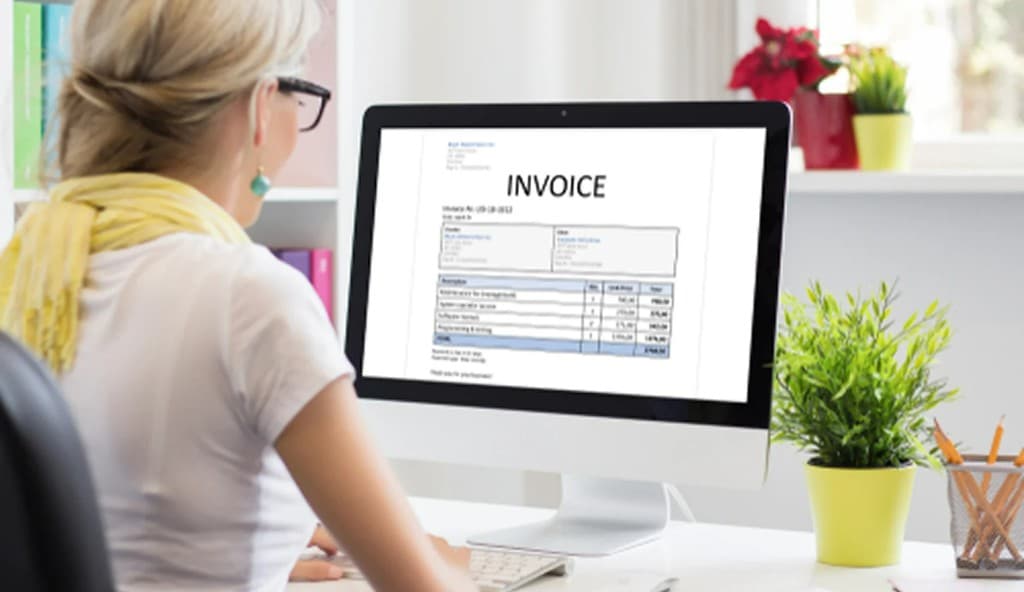
How To Create An FBR-Compliant Digital Invoice
Creating an accurate digital invoice is an important part of managing business transactions and following applicable FBR requirements. From business and customer information to products, taxes, and invoice totals, each detail should be entered carefully.
A structured invoicing process can help businesses create consistent invoices, reduce manual errors, and keep transaction records organized. In this guide, learn how to create a digital invoice, what information to include, and how a digital invoicing system can help simplify invoice creation and management.
What Is A Digital Invoice?
A digital invoice is an electronic record of a business transaction containing relevant seller, buyer, product or service, pricing, and tax information. Digital invoices make it easier to create, manage, store, and track invoice records compared with manual paper-based processes.
Information You Need Before Creating An Invoice
Before creating a digital invoice, make sure the required information is available and accurate.
This may include:
- Business information
- Buyer information
- Invoice number
- Invoice date
- Product or service details
- HS Code, where applicable
- UOM
- Quantity
- Price
- Applicable tax information
Accurate information helps reduce errors during invoice preparation.
How To Create A Digital Invoice
1. Add Business Information
Enter or select the relevant seller information, including your business and registration details.
2. Add Customer Information
Select an existing customer or enter the required buyer details.
3. Add Products or Services
Add the products or services included in the transaction along with relevant quantities, prices, HS Codes, and UOMs where applicable.
4. Apply Tax Information
Enter the applicable tax information and ensure that the tax amount is calculated correctly.
5. Review the Invoice
Before finalizing the invoice, check:
- Seller details
- Buyer details
- Invoice number
- Invoice date
- Product or service information
- Quantity and price
- Tax details
- Total amount
6. Generate and Manage the Invoice
Once all information has been reviewed, generate the digital invoice and maintain the relevant invoice record for future reference.
How Invoice FBR Helps
Invoice FBR provides a structured digital invoicing workflow that helps businesses create and manage invoices from one place.
With Invoice FBR, businesses can:
- Create digital invoices
- Manage customers and suppliers
- Maintain product information
- Manage HS Codes and UOMs
- Calculate applicable taxes
- Track invoice statuses
- Maintain digital invoice records
- Organize business information
This can help businesses spend less time on repetitive invoicing tasks and keep their transaction records organized.
Frequently Asked Questions
Conclusion
Creating an accurate digital invoice requires careful attention to business information, customer details, products, pricing, and applicable taxes.
By using a structured digital invoicing workflow, businesses can reduce manual errors, create invoices more efficiently, and maintain organized transaction records while following applicable FBR requirements.